A CMS decision is rarely only a CMS decision. It decides how editors publish, how translations are kept in step, how the site survives a migration, and how much of the budget goes on licences every month for the next five years.
I get asked “Webflow or Craft CMS?” a few times a month, often by an agency about to put a platform in a proposal. The answer is almost never in the tools. It is in seven questions about the project, and I ask them in this order.
1. What is the website for?
A ten-page marketing site, a tourism platform with 2,000 articles in five languages, a research portal and a public database are four different jobs. They need different foundations, and the platform conversation gets easier once the job is clear.
If you can’t say in one sentence what the website has to do, that’s the first thing to settle. Before a pitch, that’s what my pitch support is for. For an existing site, it’s the fixed-fee review on my pricing page. Both cost less than choosing wrong.
2. How much content is there, and how is it related?
This is the question that separates the two platforms I use most.
Simple content, meaning pages and a blog, fits almost anywhere. Structured content is different: entries that reference each other, reused across pages, with their own fields and rules. A region has itineraries, an itinerary has places, and a place has opening hours in five languages. Model that properly and the site grows without breaking. Squeeze it into a page builder and every new section becomes a copy-and-paste job.
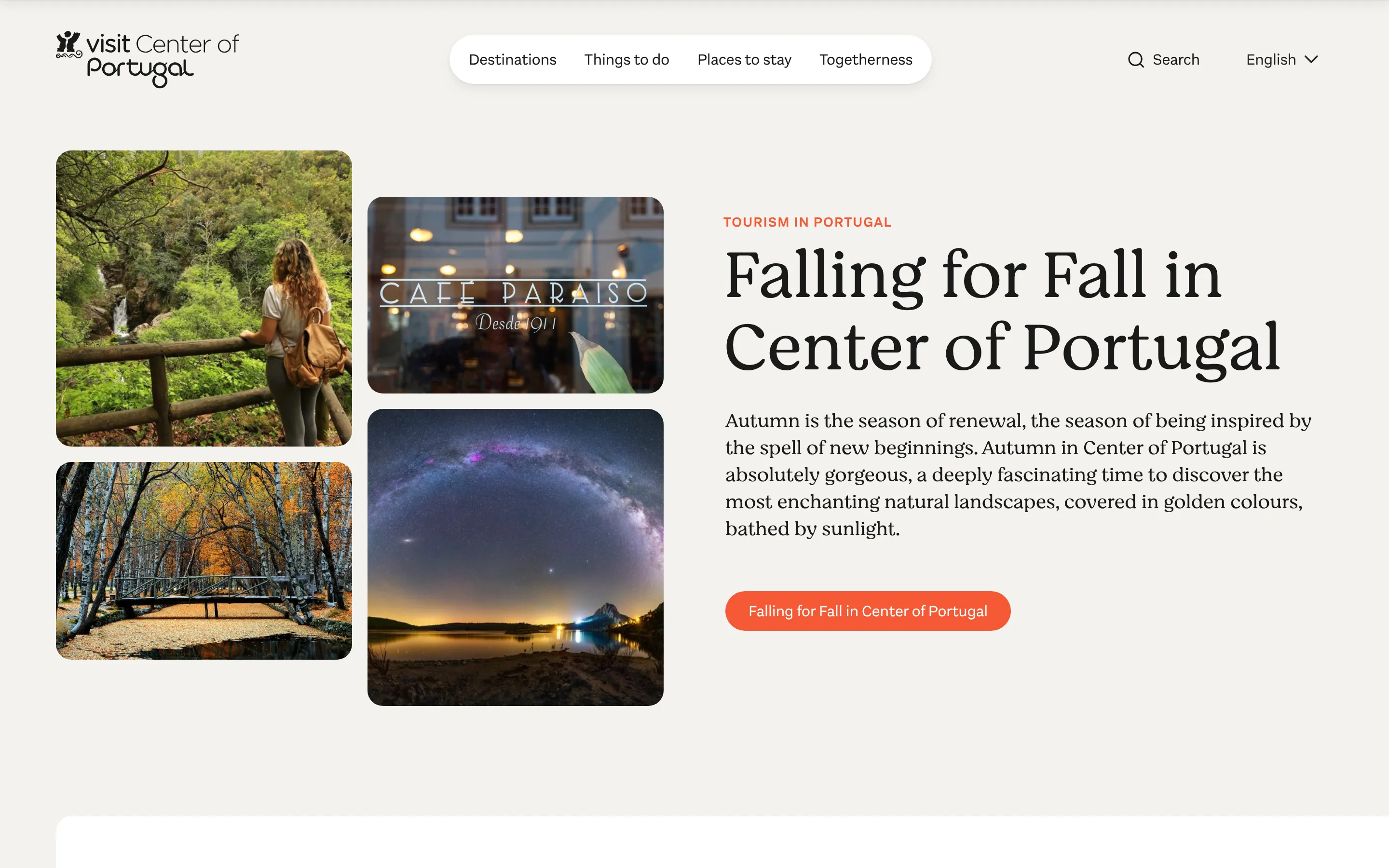
Center of Portugal is the example I use most. It runs 2,000+ articles in five languages on Craft CMS, edited by the client’s own team, because the content model was designed before any page was.
3. Who will edit it?
The best CMS for a developer is not always the best CMS for the people who will use it every week.
A marketing team wants visual control and quick page changes. An editorial team wants structured fields, predictable templates and a workflow. A founder wants fewer logins and a lower monthly bill. The editing experience should match the people who publish, and I ask to meet them before I recommend anything.
4. How many languages?
Translated pages are one thing. A website that has to stay in step across several languages is another: which content is shared, which is translated, what visitors see while a translation is pending, which URL each language lives on.
Craft CMS handles this well: each language is its own version of the site, and you decide field by field what’s shared and what’s translated. Webflow Localization, its translation add-on, does the job for two or three languages on a marketing site, and the cost grows with each language and each CMS item. Verakis Food Academy was on Webflow with Localization, and that was the largest part of a monthly bill that I eventually cut almost in half by moving the site to Craft CMS. There is more on this on the multilingual websites page.
5. Is part of it a product?
Some websites stop being websites halfway through the brief. A searchable database, a job board fed by Greenhouse, pages generated from thousands of records: those need logic a CMS wasn’t built to carry.
Dialectica Origin wanted their company database inside Webflow CMS. What they needed was a separate app next to the site: 1,500+ company pages on Webflow Cloud, on the same domain. The CMS kept the marketing site. The application carried the data.
6. Does the design need to survive a build?
If the design is approved and detailed, the platform has to reproduce it: spacing, motion, responsive behaviour. Webflow is good at this when the team wants to keep editing visually afterwards. Craft CMS is good at it when the design is a system of components that editors fill in, and the templates are coded once, properly.
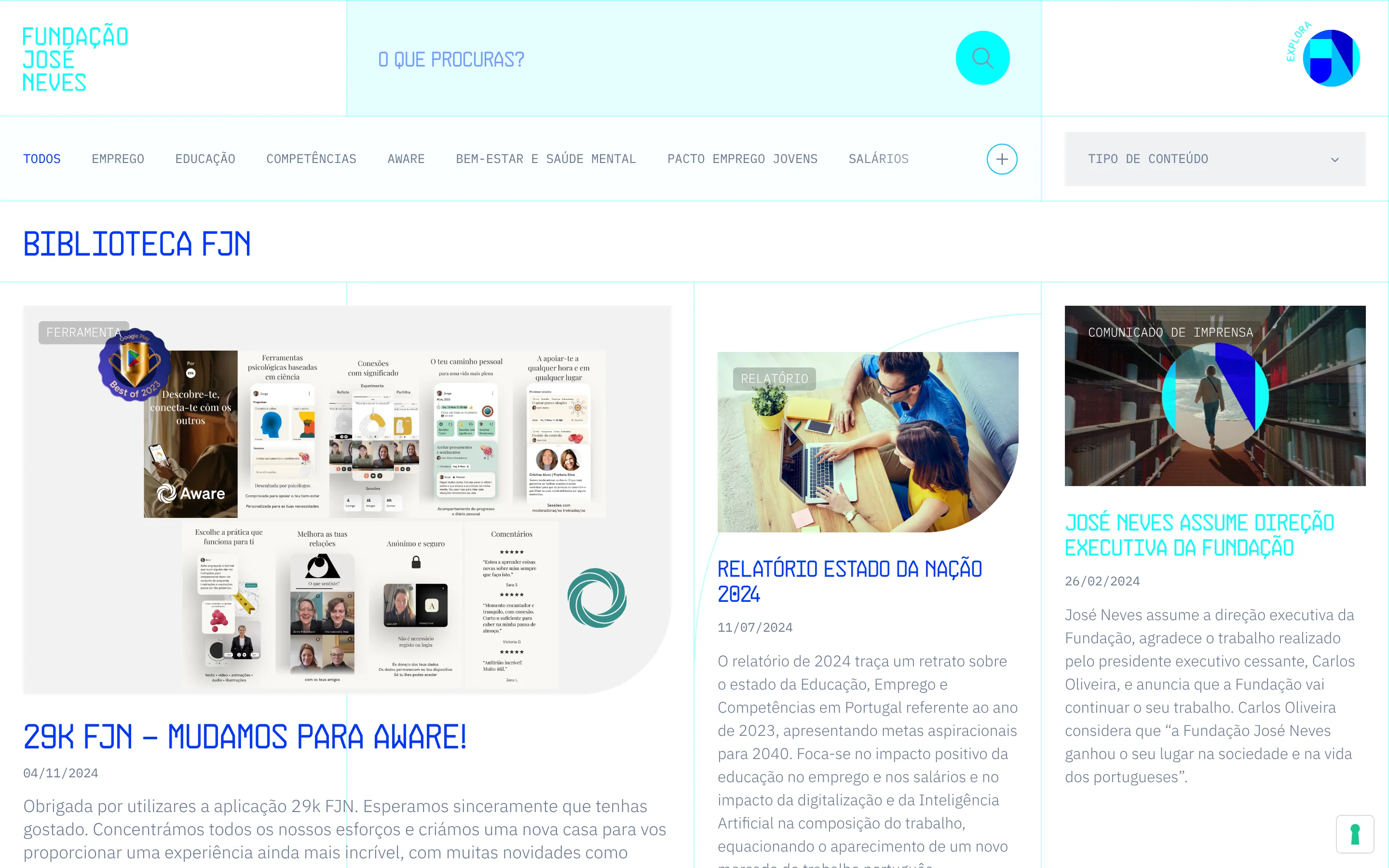
José Neves Foundation came with a complete Figma file and a custom-built site nobody on the team could edit. The rebuild in Webflow kept the animations, migrated 250+ pages into 27 collections, and the team has edited it without a developer since launch.
7. What happens after launch?
A CMS is a maintenance promise. Who adds pages, who adds a language, who upgrades the platform, who pays for it. Managed platforms like Webflow take the hosting and updates off your hands and charge for it monthly. Craft CMS needs hosting and an occasional upgrade, and the licence is a one-off per site plus a yearly fee for updates.
Neither is cheaper in every case.
Tip
Where this usually lands
Webflow when the marketing team wants visual control, the content model is simple and there are at most two or three languages. José Neves Foundation is on Webflow for those reasons.
Craft CMS when the content is structured, multilingual or heavy, and editors publish every week. Center of Portugal, CIICESI and NCREP are on Craft CMS for those reasons.
Craft CMS with a separate public site when the site also has to be fast and cheap to host, or when part of it is closer to an application. Verakis is the example.
WordPress when you already have it, it works, and nothing above applies. I don’t build new sites on it, but I won’t tell you to leave it for the sake of leaving.
| When | Platform | Example |
|---|---|---|
| The marketing team wants visual control, the content is simple, up to three languages | Webflow | José Neves Foundation |
| The content is structured, multilingual or heavy, and editors publish every week | Craft CMS | Center of Portugal, CIICESI, NCREP |
| It also has to be fast and cheap to host, or part of it is an application | Craft CMS with a separate public site | Verakis Food Academy |
| You already have it, it works, and none of the above applies | WordPress | Stay where you are |
Decide before the design is finished
The CMS decision shapes the content model, and the content model shapes the design. Make it late and the design gets rebuilt to fit the tool, or the proposal promises something the platform can’t do. Make it early, with the seven questions answered, and the build is the easy part.
If you’re pitching a website and aren’t sure which answers apply, that’s what the first conversation is for.
We need technical direction
Platform, estimate and the technical decisions, before a pitch or mid-project.