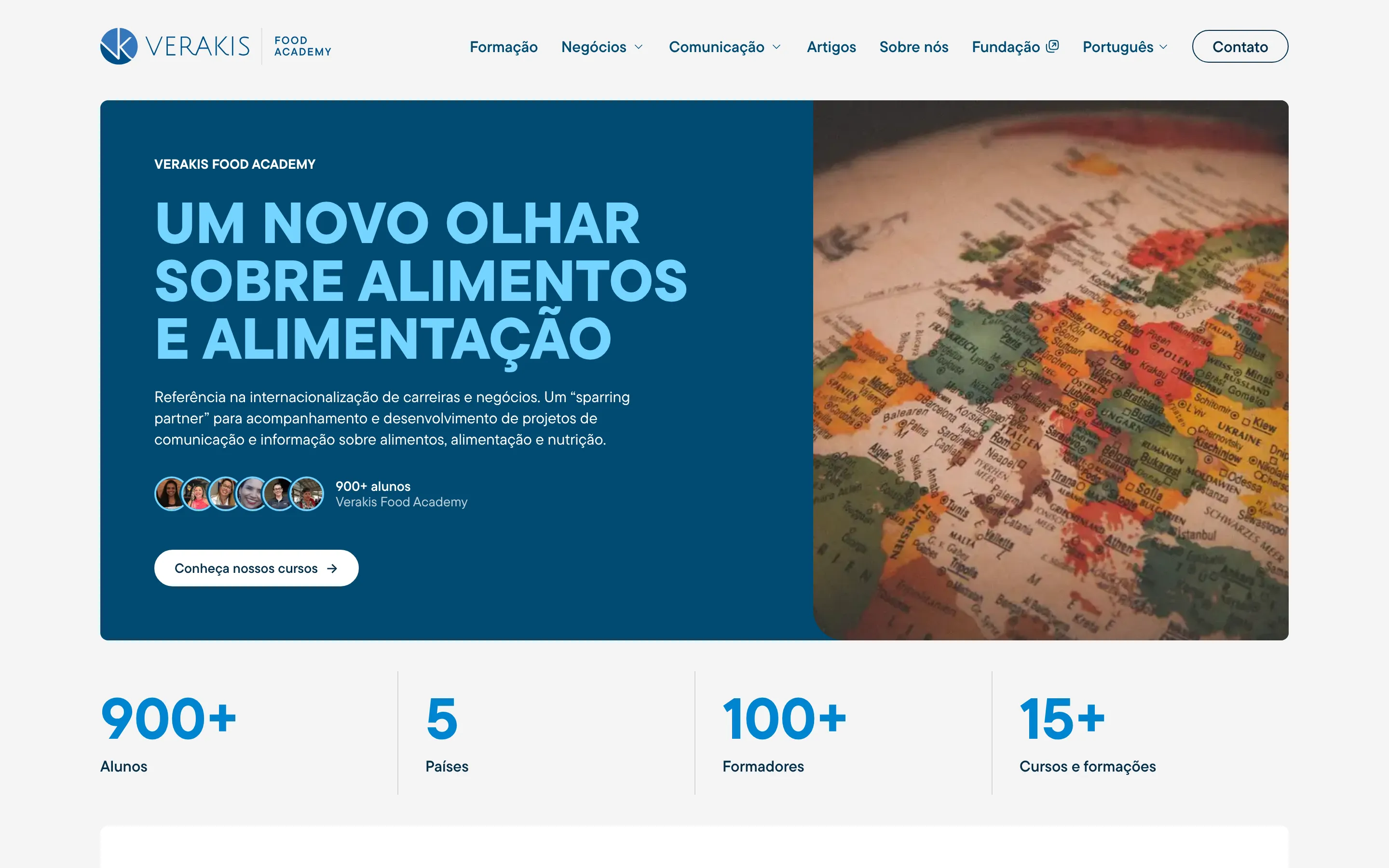
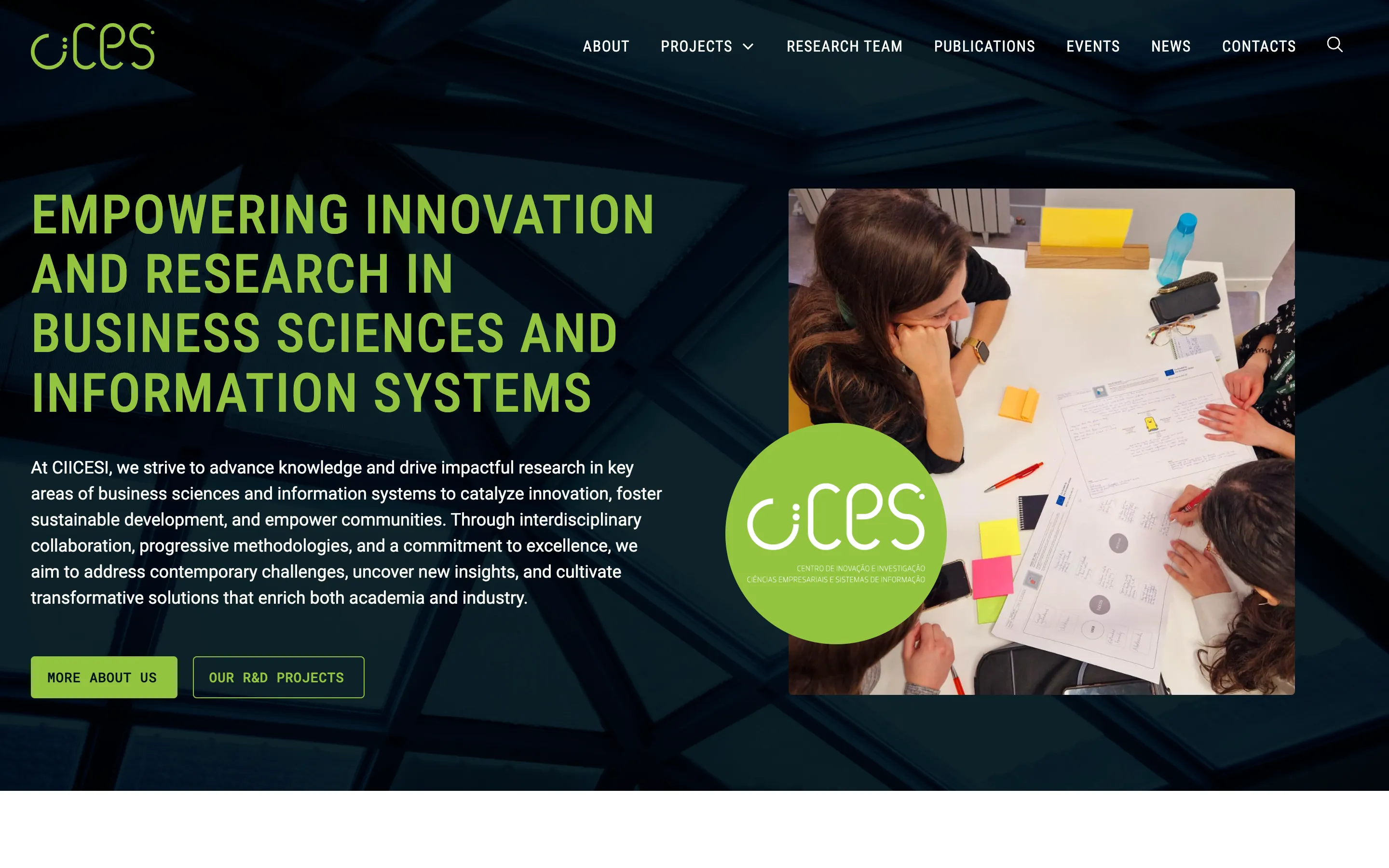
A new site in Webflow, with every page of the old one.
The José Neves Foundation had chosen Webflow and needed someone to get them there. I rebuilt the site from their Figma file and moved 250+ pages across automatically, without losing what Google had already indexed.
- Client
- José Neves Foundation · Education foundation
- Role
- Webflow development, Content migration, CMS architecture, Animation, Launch
- Stack
- Webflow
They asked for a Webflow version of their custom-built site
They needed a site their marketing and communications team could manage without a developer, with nothing lost from the old one.
Before
A custom-built site.
- A front end and a back end that felt like two different places
- Everyday changes that needed a developer
- A well-indexed archive of 250+ pages
After
One Webflow site the team runs.
- Pages, articles and the homepage slider edited in Webflow
- The same animation language as before
- The archive migrated, and a new library on top of it
In this case
The José Neves Foundation contacted me because I work with Webflow. They had already decided to move their site there, away from a custom-built site, and they needed someone to do it.
Their reason was simple. The old site looked good, but the front end and the back end felt like two different places, and everyday changes needed a developer. They wanted their marketing and communications team to run the site.
Their worry was simple too. The site was well indexed, with more than 250 pages and articles. They didn’t want to lose any of it: no missing pages, no broken links.
Rebuilt from the Figma file
They sent a complete Figma file with every page designed. I built the new site from scratch in Webflow, from that file. Nothing from the old code was reused.
The old site had a distinctive way of moving: scroll-triggered movement, staggered transitions, animated menus, hover states, modals and a homepage slider. Webflow’s own animations did what they could, and I coded the sequences that needed more control than Webflow offered at the time.
Migrating 250 pages without copying them
The migration was the biggest risk, so I treated it as data, not as content entry.
I extracted the existing structure and content from the old system, cleaned and reshaped it, and imported it into the Webflow CMS. All of the existing content moved that way. Most page addresses stayed the same. Where a page was renamed or its address had to change, a redirect in Webflow sends the old address to the new one, so what Google had already indexed kept working. Nothing was lost. (This is what the CMS migration page is about.)
The only content entered by hand was new: pages and sections the old site never had, which the Foundation’s team wrote and added themselves.
A library for young people
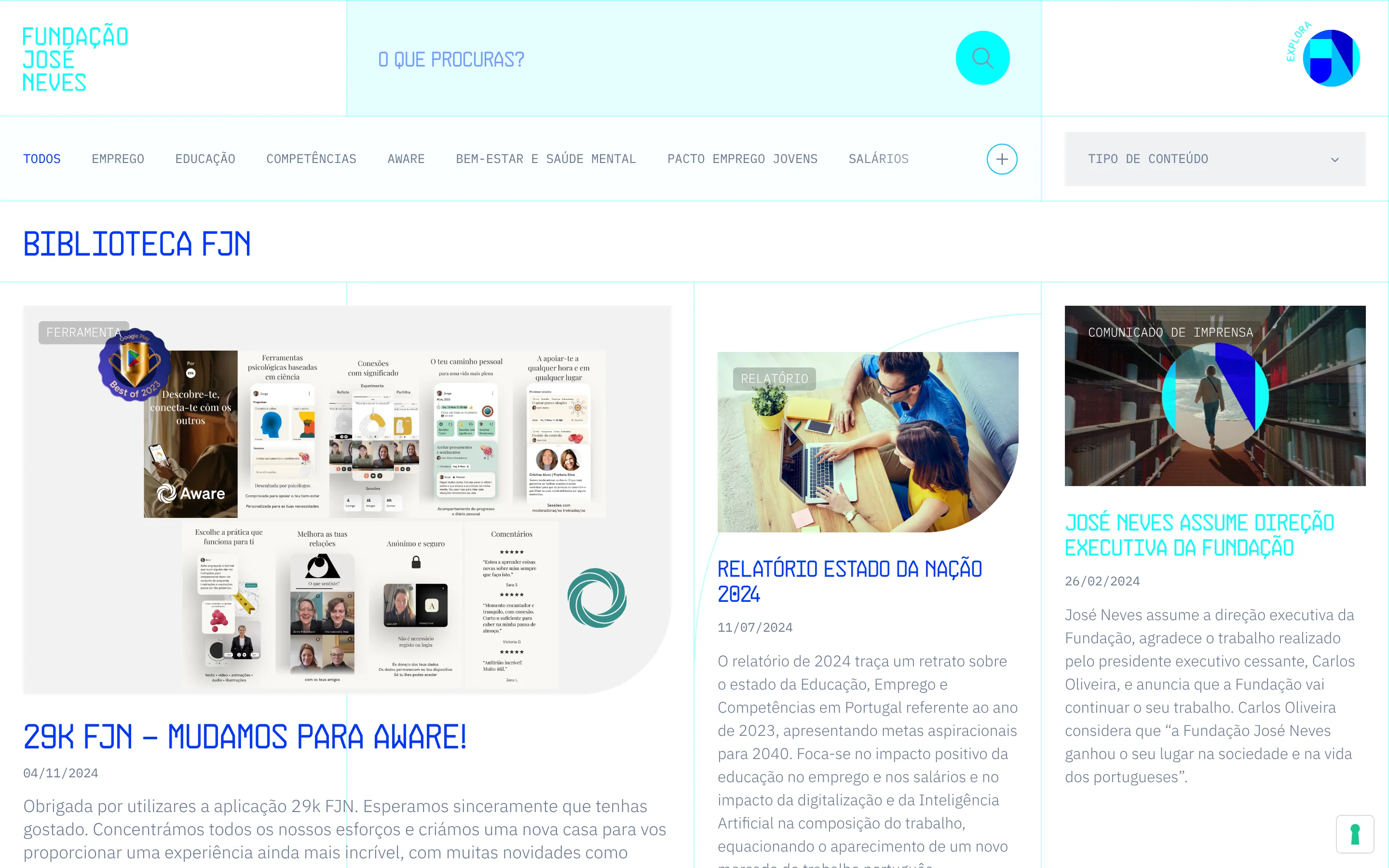
The new site also has something the old one didn’t: Biblioteca FJN. The Foundation works on education and employment, and the library is mostly for young people looking into study, work and careers. It brings together insights, reports, guides, articles and tools.
It needed more structure than a standard marketing site. The CMS has 27 collections, linked to each other where Webflow’s own relationships weren’t enough. Visitors can filter by theme, type and tag, and any combination works.
On time, by hand
The site launched on time, with no significant issues after launch. It’s also faster than the old version was. This was before I worked with AI tools, so all of it (the build, the animations, the migration scripts) was done by hand.
My contacts were Jorge Santos, Programs and Technology Director, and that same team, which runs the site on its own today, either visually on the page or directly in the CMS. I still work with the Foundation, on this site and on other projects.
Under the hood
- Webflow, built from scratch from the Foundation’s Figma file
- The old site ran on Gatsby and Contentful
- Content extracted through the Contentful API, reshaped in Parabola and imported into the Webflow CMS
- A redirect for every renamed page or changed slug
- Animations in CSS, Webflow Interactions and GSAP
- 27 CMS collections, with multi-reference fields and supporting collections
- Library filters with Jetboost and custom JavaScript
From the very first contact, it was clear we were dealing with someone different. Frederico's proactive attitude and constant availability gave us immediate confidence, and the technical expertise he demonstrated throughout the process left no room for doubt.
What changed
Four things that are different now.
01
The team edits the site
Pages that needed a developer are now edited in Webflow, visually on the page or in the CMS, the homepage slider included.
02
Nothing left behind
The 250+ pages and articles were migrated automatically. Renamed pages got a redirect, so no indexed link broke.
03
The same feel
Scroll movement, staggered transitions, menus and hovers were rebuilt to match the old site.
04
A library for young people
Biblioteca FJN brings insights, reports, guides and articles together, filtered by theme, type and tag.
We need technical direction