If you bring me into a client project, it’s fair to ask how AI is involved. Your client may ask you, and you’ll want an answer you can repeat. Here it is.
The short version: AI makes the building faster. The decisions, the checks and the responsibility are still mine, and nothing reaches your client’s site without me looking at it.
| Project | Time to launch |
|---|---|
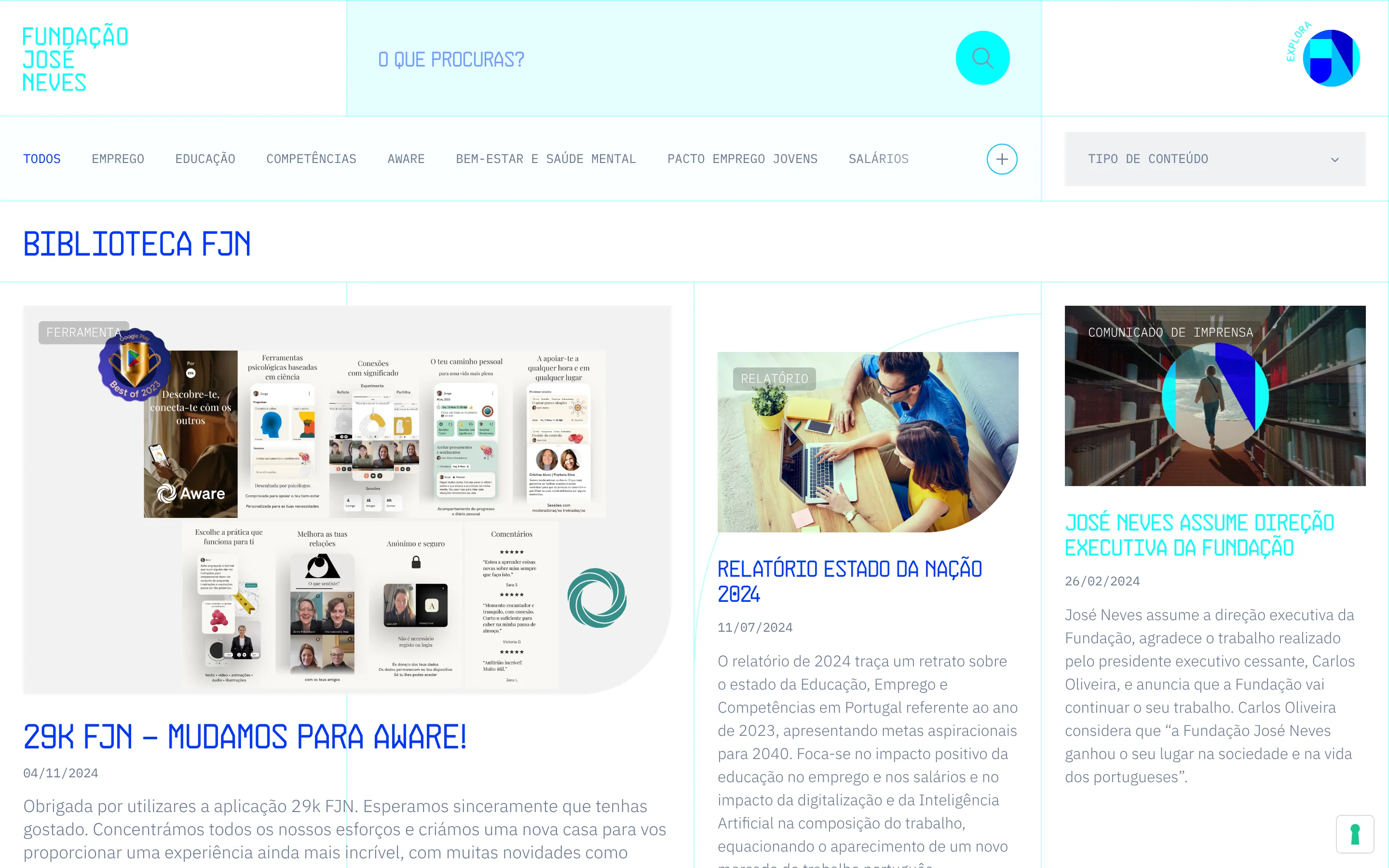
| José Neves Foundation, all by hand | 4 months |
| Verakis Food Academy, full migration | 4 weeks |
| Dialectica Careers | Under 3 weeks |
The José Neves Foundation website took four months, all of it by hand. More recently, Verakis Food Academy moved to Craft CMS in four weeks, and Dialectica’s job board went live in under three. I didn’t start cutting corners. I’ve spent 25 years learning what to ask for, and now there’s something fast to ask.
What AI does, and what I decide
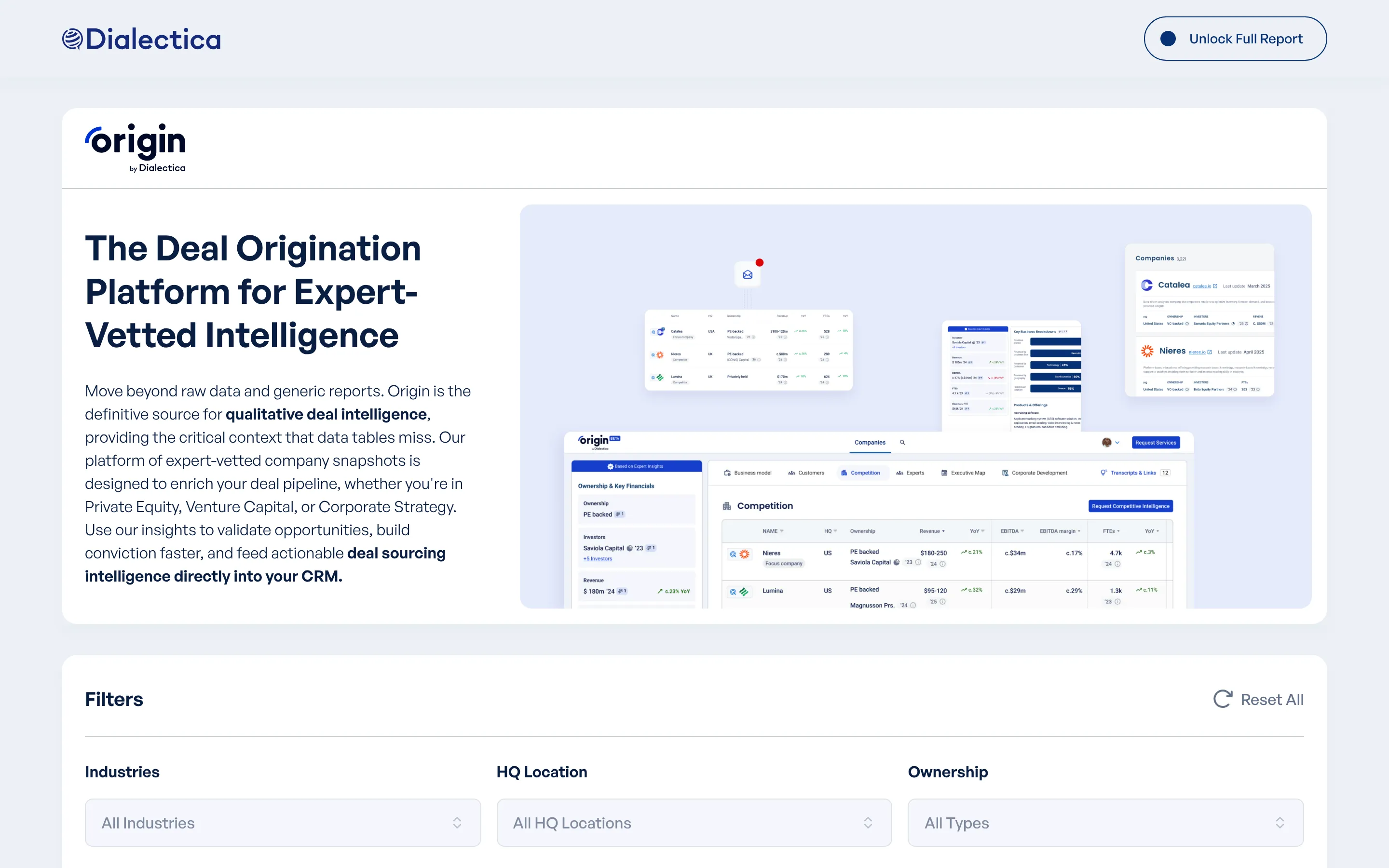
AI writes a lot of the code now, and helps with the debugging. On Dialectica Origin, I had a working prototype a few days after the first data export.
The decisions are still mine. On Origin, the first question was whether more than 10,000 connected records could go into the Webflow CMS. They couldn’t, at least not properly. Working that out, and choosing a separate app on the same domain instead, was the real job. AI made the building faster once that was decided.
I don’t do what people call vibe coding (letting the tool decide and hoping for the best). I know what I want, I say it clearly, and I follow the work from start to finish.
The rules come first
Before anything is built, I set what the project has to get right: accessibility, the information search engines read, page descriptions and how the content is organized. Everything built afterwards follows those rules, so they’re not things to fix at the end.
Some rules go into the code itself. On my own site, the build stops if a fact I haven’t confirmed is about to reach a published page.
Nothing goes out unchecked
Everything gets reviewed. On migrations, that means checks I can trust. On Verakis, all 11 Webflow collections went into Craft CMS, and a check compared the 1,217 Portuguese and French versions without a single difference. Every page address stayed as it was.
When I’m not convinced by a recommendation, I ask another model for a second opinion. Then I make the call. Some research I asked for recently came back too narrow, focused on one service and one market. I redirected it, checked it against a second model, and only then used it.
01
Rules
Accessibility, search, page descriptions and content structure, set before anything is built.
02
Build
AI writes much of the code, inside those rules.
03
Check
Every result is reviewed, and migrations are compared record by record.
04
Second opinion
When I'm not convinced, another model reviews it. Then I decide.
Options before code
For anything visual (animations, page transitions, interactions), I ask for two or three options before anything is implemented. I compare them, pick one and adjust it. It’s much faster than building one version, not liking it and starting again.
What it changes for your designs
This is where it helps agencies most. A lot of the files I get have desktop layouts only. With AI in the process, I can produce the tablet and mobile versions from your work, make small adjustments and create the components that don’t exist yet, all in the same visual language. I tell you which screens I added.
When a Figma file comes without a system behind it, I build one first: colours, type and spacing defined once, and the components on top. Then the code follows the file closely, because both use the same definitions.
You keep the relationship with the client, and I answer for the technical side. That part hasn’t changed.
What to tell your client
Projects that used to take months now take weeks. Builds and migrations are usually 2 to 6 weeks, depending on the size of the site. I use AI openly, and I’m happy to tell you, or your client, where and how it’s used on their project.
The tools are available to everyone. What makes them useful is knowing what to ask, what to check and what to refuse. If you’d like to know how this would work on a client’s site, let me know.
We have the designs
Built as designed, with a CMS the people who publish can run.