One dashboard instead of five tools.
The Webflow site I'd designed for Verakis Food Academy worked, but the tools around it kept getting more expensive. In four weeks I moved everything to Craft CMS, with one dashboard for content and enquiries. Running costs are about half.
- Client
- Verakis Food Academy · Professional training for the food industry
- Role
- Diagnosis, Design, Craft CMS architecture, CRM inside Craft CMS, A separate public site, Content migration, Integrations
- Stack
- Craft CMS
They asked for lower running costs, before adding a third language
They needed one platform for content, languages and the CRM, cheap to host.
Before
Five paid tools, held together by automations.
- Webflow + its translation add-on · most of the monthly cost
- Make · automations for brochures, enquiries and sign-ups
- Seatable · a simple contact database
- Mailersend · automatic emails, on a paid plan
- MailerLite · newsletters
After
One back office, with the CRM inside it.
- Craft CMS · content in two languages and the CRM
- A separate public site · on a free hosting plan
- Modest hosting · for the back office only
- Automatic emails · sent from Craft CMS
- MailerLite · newsletters, fed directly
In this case
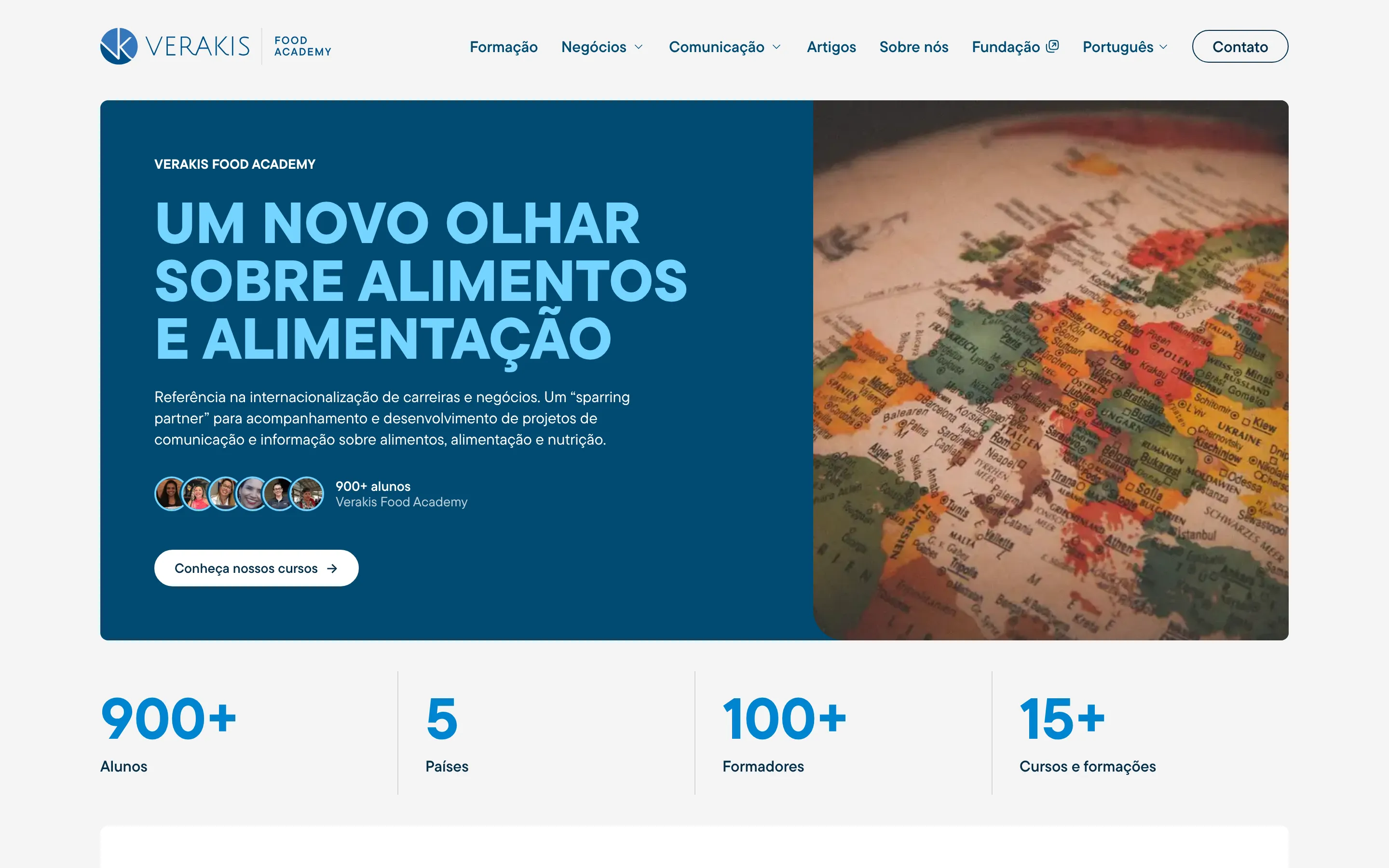
Verakis Food Academy is the training arm of the Verakis Foundation, which works on scientific outreach about food and nutrition. The Academy sells courses and technical visits that help food professionals work to European standards and better practice in their sector.
I designed and built their site in Webflow a few years ago. It worked, and the team found it easy to edit. But the Foundation doesn’t have large resources, and the bill around the site kept growing.
Where the money was going
Webflow, with its translation add-on, carried most of it. Course enquiries went from a Webflow form to Make (a tool that connects apps), which sent the brochure by email, added people to the newsletter or stored them in Seatable, a simple CRM I’d set up for them. Mailersend sent the automatic emails, on a paid plan. MailerLite sent the newsletters.
Each tool made sense on its own. Together they were five bills, held together by automations.
Then they started thinking about Spanish as a third language. That would have raised the Webflow bill again, and the cheaper translation plan doesn’t translate page addresses at all, which hurts how Google indexes the site over time. The client was already finding the costs hard to carry, so I proposed moving the whole thing.
One back office, a free public site
I know Craft CMS well, and it fixed the biggest cost on its own: languages don’t change the price. The site runs in Brazilian Portuguese and French (the Foundation is based in France but works mostly with professionals in Brazil), and a third language is just another site in the same install.
The other decision was where the site lives. Only the editors and I use Craft CMS, so it sits on modest, cheap hosting. Visitors never touch it. The public site is separate and runs on a free plan, so the client only pays for the back office.
Pages are kept ready to serve. When the team saves something in Craft CMS, only the pages that depend on it are refreshed, and the next visitor gets the new version. Nobody has to publish twice.
Everything in one dashboard
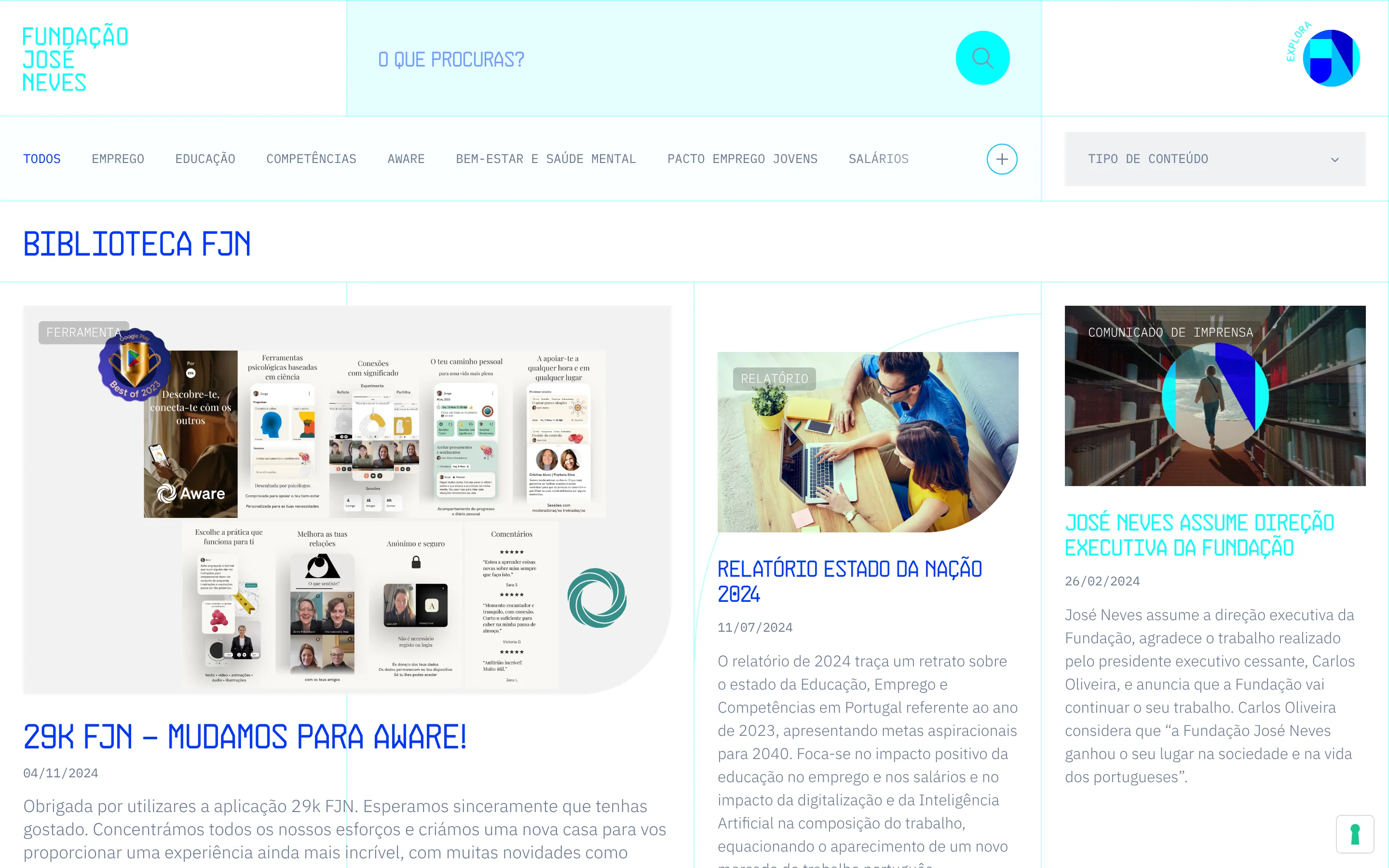
Make, Seatable and the paid Mailersend plan had no reason to stay. I built a CRM inside Craft CMS instead. Every form on the site saves to Craft CMS first, then the brochure goes out by email and the newsletter sign-up goes to MailerLite. If either service fails, Craft CMS tries again.
The Seatable history came across too: 408 leads and 13 students.
The team now has one dashboard for everything: content in both languages, new pages and every enquiry.
Four weeks
The design is the one I’d made for Webflow. I rebuilt it outside Webflow and made a few improvements along the way.
All 11 Webflow collections were imported into Craft CMS, and a check compared the 1,217 Portuguese and French versions without a single difference. Every page address stayed as it was.
With Craft CMS and AI tools in my workflow, it took four weeks. After launch there were the usual small corrections Google’s tools point out, and I sorted them. Running costs are now about half of what they were.
Under the hood
- Craft CMS for the content in two languages and a custom CRM module, on Fortrabbit hosting
- An Astro front end on Cloudflare’s free plan, rendered on the server and cached
- A Craft CMS webhook that clears only the cached pages that depend on what changed
- Forms saved in Craft CMS first, then sent through Resend and MailerLite, with retries
- 11 Webflow collections imported, 1,217 entries compared in both languages, every URL unchanged
- The design rebuilt in Tailwind CSS, and the Webflow scripts rewritten in plain JavaScript
- Translated slugs in every language, which the cheaper Webflow Localization plan doesn’t offer
What changed
Four things that are different now.
01
Running costs cut by about half
Webflow, its translation add-on, Make, Seatable and a paid Mailersend plan were replaced by one back office on modest hosting and a public site on a free plan.
02
One dashboard for everything
Content in both languages, new pages and every course enquiry are managed in the same Craft CMS control panel.
03
A CRM inside the CMS
Every form saves to Craft CMS first, then goes on to the email or newsletter service. The 408 leads and 13 students from Seatable came across.
04
Ready for a third language
Languages don't change the price in Craft CMS, and every language gets its own page addresses. Spanish is another site in the same install.
A client's site is in trouble