Craft CMS is not the right choice for every website. That is exactly why I keep recommending it for the ones where it is.
When a project is a marketing site that the team wants to edit visually, I point people to Webflow. When the content has depth, relationships, languages and integrations, the CMS stops being a place to put pages and becomes the structure that holds the site together. That is where Craft CMS earns its place, and it has done so on every project below.
A content system before a page builder
Craft CMS starts from the content, not from the page. The implementation describes what the organization actually has: regions, itineraries, researchers, publications, projects, partners, events, and the relationships between them. Pages are built from that structure, so a new region or a new researcher is a form to fill in, not a layout to copy.
That difference is small on launch day and large three years later. A site with real content depth should not depend on editors copying sections between pages and hoping nothing breaks.
When the content is structured
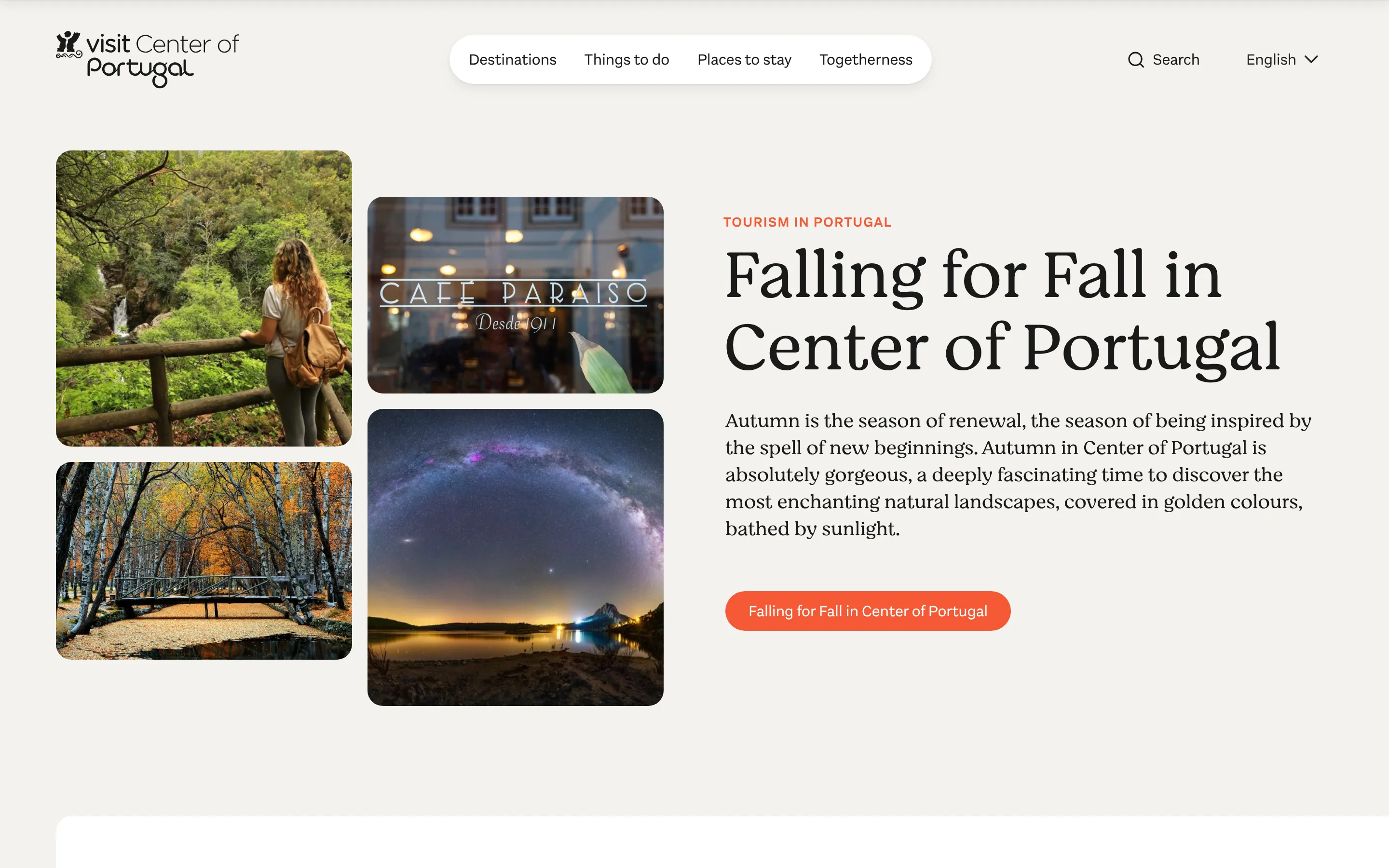
Center of Portugal is a tourism platform with 2,000+ articles, places, itineraries and events in five languages, edited by the client’s own team. The content model was designed first, with the designer, so the editors and the visitors get the same system. Visits went up 42% in the year after the rebuild.
CIICESI, a research centre, had no website. What they needed was a research portal that did not depend on anyone typing publications in by hand. The Craft CMS site brings in 3,200+ publications from ORCID, keeps 50 researcher profiles up to date, and went from nothing to launch in three months.
2,000+
articles in five languages
3,200+
publications from ORCID
2
sites from one Craft CMS install
Case study · CIICESI - Instituto Politécnico do Porto
When there are several languages
Multilingual publishing is where most platforms are underestimated. Translating a handful of pages is easy. Keeping five languages in step over 2,000 articles is a workflow problem: which entries appear in which languages, what happens when a translation is missing, which fields are shared and which are translated.
In Craft CMS, each language is its own version of the site, and you decide field by field what’s shared and what’s translated. It needs no plug-in and no per-language licence. The multilingual websites page goes through how I set it up.
When editors need independence
Good CMS architecture gives editors freedom without making the site fragile. Fields that match the content, components with clear limits, a control panel configured for the people who use it rather than for the developer who built it.
On NCREP, a heritage consultancy, the agency Major designed two sites with one visual system. I built them on one Craft CMS platform, in two languages, with custom modules for the parts the design needed and the CMS did not have. The client’s team runs both sites from one login.
When integrations belong inside the content model
Some websites depend on other systems: ORCID, a CRM, a booking tool, a job feed, a legacy database. When those integrations affect the content, Craft CMS lets me build them around the organization’s model instead of bending the organization around a generic one.
Verakis Food Academy is the newest example. Their Webflow site needed Make, Seatable and Mailersend around it to handle course enquiries. I moved it to Craft CMS, with a CRM inside it and a separate public site on a free plan. Every enquiry creates a CRM entry the team manages where they edit the site, the automation platform went away, and the monthly costs dropped by almost half.
Craft CMS, Webflow or WordPress
Webflow when the team wants visual control, the content model is simple and there are at most two or three languages. It is a good tool and I use it. José Neves Foundation moved to it from a custom-built site because that was the right direction for them.
WordPress when you already have it and it works. The problems start when custom content types, multilingual plug-ins and integrations pile up and nobody is sure which plug-in holds which piece.
Craft CMS when the content model is the project. Prices and ecosystems change, but the principle does not. Choose the system that fits the content, the team and the way the site will be maintained, then check the three-year cost with the real number of languages and editors.
| Platform | Fits when | Not when |
|---|---|---|
| Webflow | The team wants visual control, the content is simple, two or three languages | The content behaves like a database, or the tools around it pile up |
| WordPress | You already have it and it works | Custom types, multilingual plug-ins and integrations pile up |
| Craft CMS | The content model is the project | A campaign page or a ten-page marketing site |
When I would not choose Craft CMS
A campaign page. A ten-page marketing site. A project where the team mainly wants fast visual editing and the content is straightforward. In those cases I will say so on the first call and suggest Webflow or a simpler set-up.
The point is not to use Craft CMS for everything. It is to choose it when the content needs it, and to build it so the editors never have to think about why.
Have a client project that needs Craft CMS?
Send the context and I'll reply, usually within one working day, with a few questions.