Webflow is a good tool. It is also easy to ask it to do the wrong job.
For marketing sites, brand sites and campaign pages where the design matters and the team wants to keep editing visually, it is often my first recommendation. The question is not whether a site can be built in Webflow. Almost anything can. The question is whether Webflow should be carrying it, and the answer depends on the content, the languages and what sits around the site.
Where Webflow is strongest
Webflow works best when the website is a designed publishing surface: a corporate site, a brand site, a campaign, a portfolio, a marketing property where visual fidelity and speed matter.
In that context it gives a team a lot. Designers see their work in production with fewer layers of interpretation. Marketers publish without waiting for a developer. Hosting, security and editing live in one place. For many teams, that reduction in moving parts is the point.
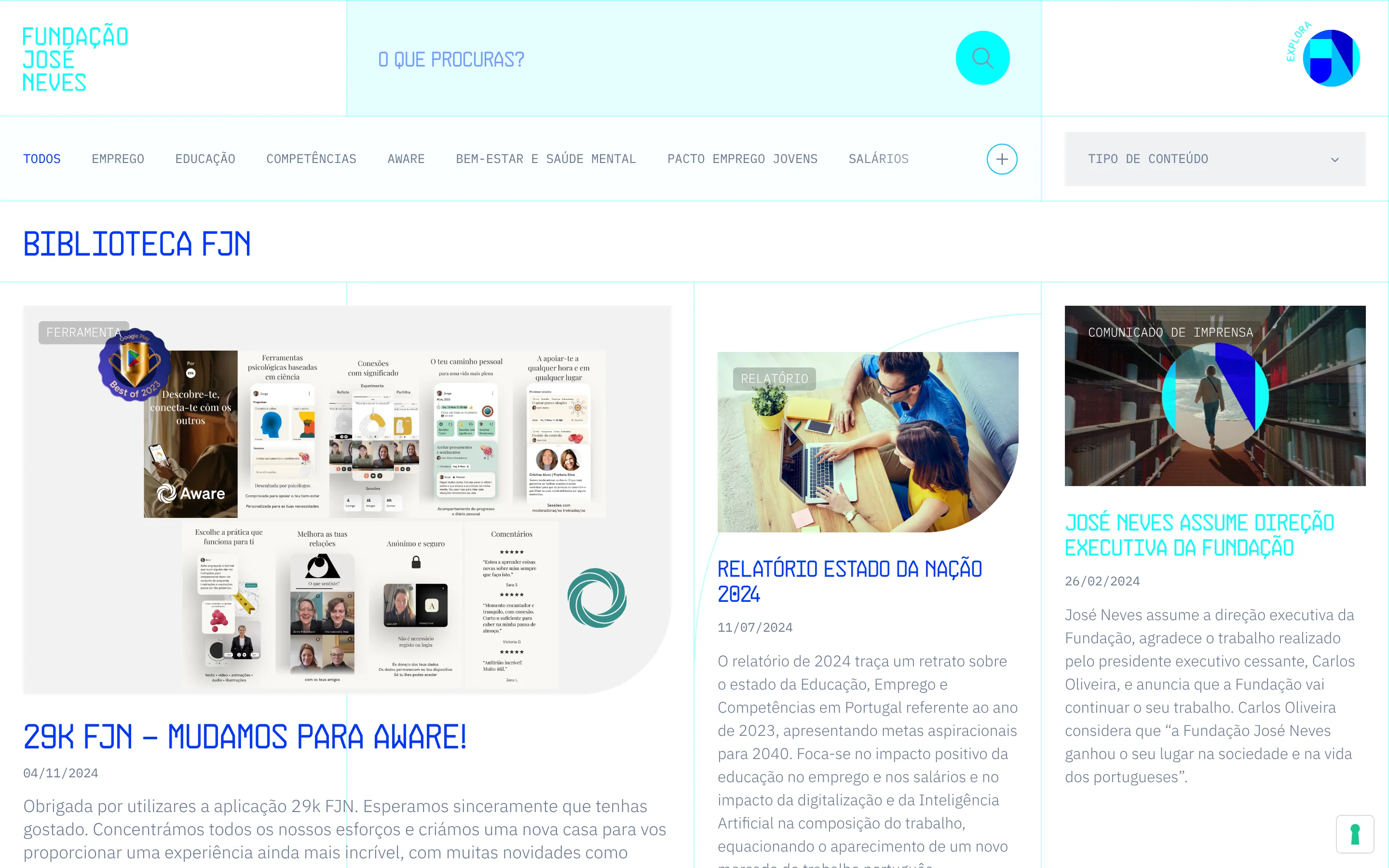
José Neves Foundation is the case I show. They had a custom-built site, a complete Figma file for the new design, and a team that could not change a page without a developer. I rebuilt it in Webflow: 250+ pages migrated into 27 collections, the animations kept, launched on time with no significant issues. The team has edited it on their own since.
Webflow is not only a page builder
With a tidy style structure, components, a clear CMS model and custom code where it’s needed, Webflow carries polished sites that stay maintainable for years.
It also fails quietly when that care is missing. One site I was asked to fix looked finished and was built from a theme: 1,321 unused styles, one page weighing 21.3 MB, a worst speed score of 52%. Two weeks of clean-up, without a redesign, took that page to 97%. The tool was fine. The build was not.
Where it starts to strain
Three things, in the order I see them.
Content with deep relationships. When the CMS is asked to behave like a database, with entries that reference entries that reference entries, the limits on collections and references start to shape the site.
Several languages. Webflow Localization does the job for two or three languages on a marketing site. The cost grows with each language and each CMS item, and the editorial workflow is thinner than a CMS built for translation.
Everything around the site. When a Webflow site needs an automation platform, a spreadsheet database and a separate email service to do its job, the monthly bill is no longer the Webflow plan. It is five subscriptions and the time spent keeping them talking to each other.
| Signal | What it looks like |
|---|---|
| Content with deep relationships | Collection and reference limits start shaping the site |
| Several languages | The cost grows with every language and every CMS item |
| Everything around the site | Five subscriptions instead of one plan, and time spent keeping them in sync |
When it gets in the way: Verakis Food Academy
I built Verakis Food Academy in Webflow myself, so this is not a story about someone else’s mistake. The site needed Localization, and course enquiries ran through Make into Seatable and out through Mailersend. It worked. It also cost more every month than the site justified.
I moved it to Craft CMS, with a CRM inside it and a separate public site on a free plan. Enquiries now create CRM entries where the team edits the site, the automation platform is gone, pages update themselves when content changes, and the monthly costs dropped by almost half. The CMS migration page describes how a move like this is planned so nothing is lost.
Before
- Webflow with Localization
- Make for brochures and enquiries
- Seatable as the contact database
- A paid Mailersend plan
After
- Craft CMS with the CRM inside it
- A separate public site on a free plan
- Automatic emails sent from Craft CMS
- No automation platform in the middle
When Webflow needs an application next to it
Sometimes the site should stay in Webflow and one part of it should not. Dialectica Origin wanted their company database inside Webflow CMS. What they needed was a separate app next to the site, 1,500+ company pages on Webflow Cloud, on the same domain. That pattern has its own article: what Webflow Cloud is useful for.
How I decide
Who edits it, how often, how structured the content is, how many languages, what other systems are involved, and whether the team wants visual editing or coded templates. Then the three-year cost with real numbers.
Webflow is part of my toolkit, not my positioning. I use it when it fits, extend it with Webflow Cloud when the site needs more, and say so when another route would make the site stronger. The Webflow page has the rest: what I build, what it costs and how long it takes.
Have a Webflow project, or a Webflow site that has hit its limits?
Send the context and I'll reply, usually within one working day, with a few questions.